With Conditions you define the circumstances under which the platform executes the rule.
For example, you can precisely control that a calculation only takes place when the selector user chooses a certain answer in the questionnaire. Conversely, if the user does not select the answer, the platform will not carry out a calculation.
Click on Condition to customize the title. Choose a clear description so that you can quickly reproduce the configuration later.
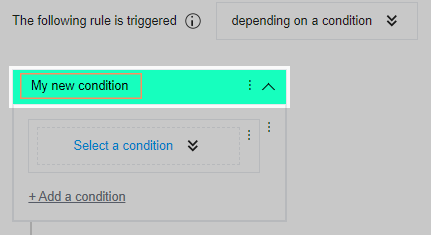
Select the desired condition under Select a condition.
💡You want to know which conditions you can set? Note the related articles.