After you have clicked on Manage in the list view of the rules, you will be taken to the advanced aditor workspace.
To configure a rule, drag the elements from the right-hand navigation menu into the workspace using the left mouse button (Drag element to the Workspace).
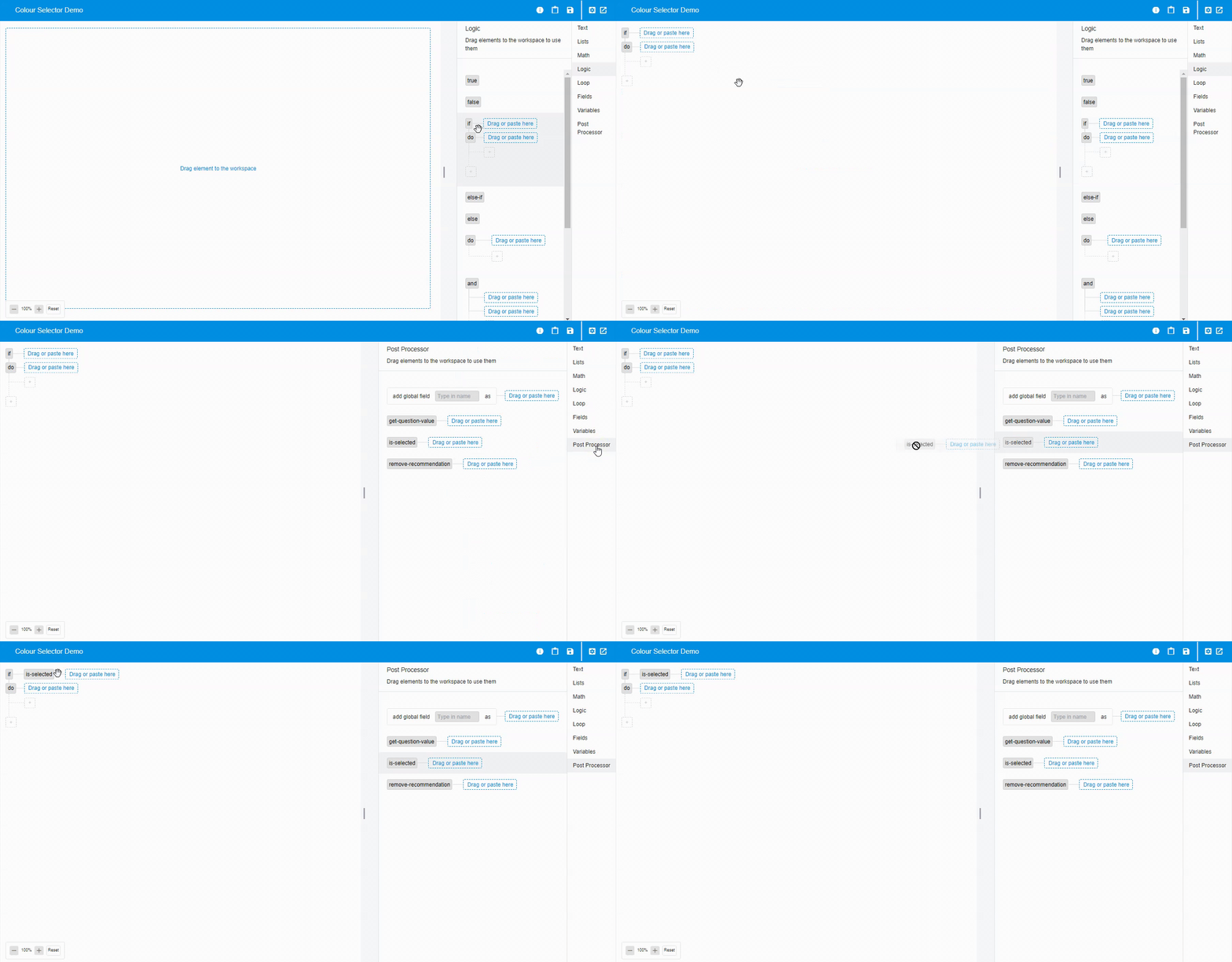
Drag further elements into the Drag or paste here areas.
💡 Saving the work status
The platform saves the work status automatically. This saves your changes, even if you do not actively click on the save icon.