FoxBase provides the option to connect your data-tracking to Google Analytics or Google Tag Manager.
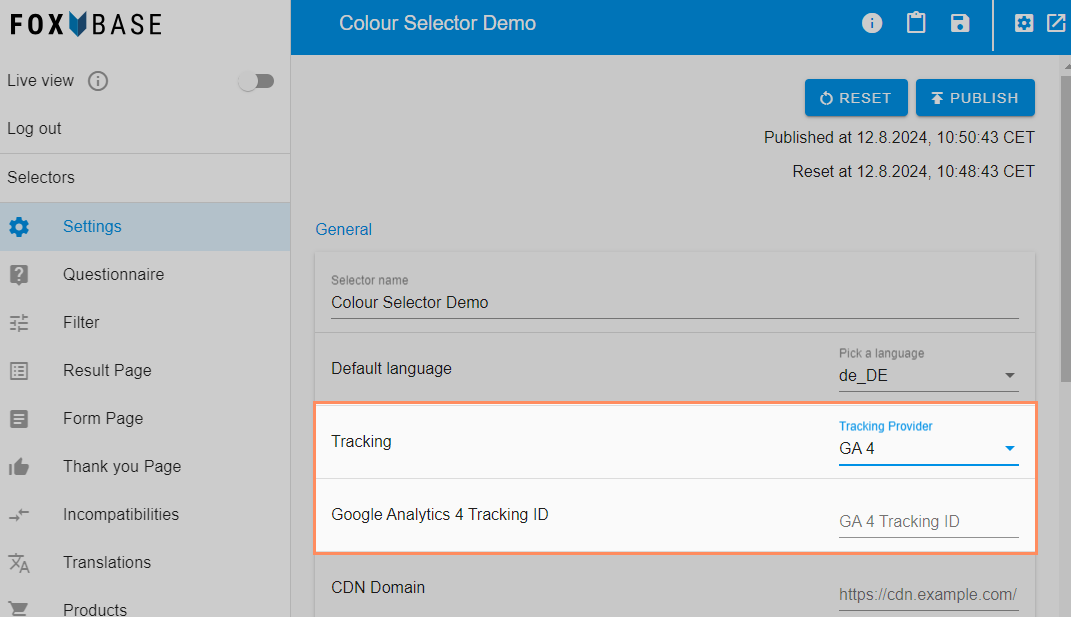
In the workbench, open the Settings and under Tracking select the desired tracking provider.
Enter the ID in the field below. You can get this from your tracking provider.
Save the selector and publish the change to the live environment by clicking Publish.